
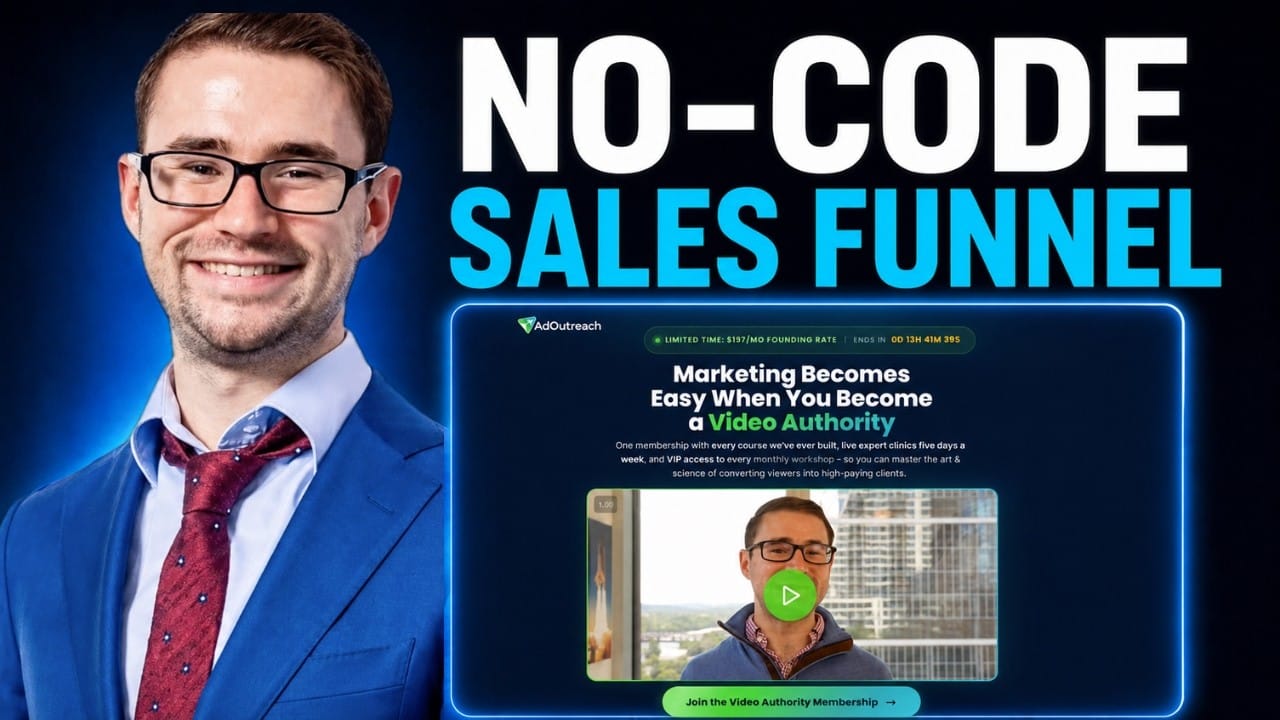
Imagine describing the exact funnel you want in a few sentences & watching AI build the entire thing for you – designed in your brand’s style, animated, mobile-ready & good enough to go live.
Sounds too good to be true, right?
Well, that’s exactly what I’ve been doing lately – & the results have honestly blown me away.
I built an entire marketing funnel, from scratch, 100% using AI. No designer. No developer. No dragging little boxes around a page builder for six hours. Just a prompt, a few rounds of feedback & a finished funnel I could host on my own domain.
As a Reminder, Our Goal with this Newsletter is to Give You the Highest Level of Value Possible. That’s my Promise to you & I intend to Over-Deliver!
Here’s a Sneak Peek at What’s Inside This Email:
-
The exact “Design System” trick that gets AI to build funnels in YOUR brand style (this is the step almost everyone skips)
-
My simple prompt framework for turning an offer into a full funnel
-
The Pro Tip that makes your funnel 10X better (hint: it involves your VSSL)
-
How to polish, quality-control & host your funnel – either free with Cloudflare or on GoHighLevel to actually capture leads
Alright, let’s Dive In…
Watch the Full Video on YouTube:
Why This Changes the Game for Marketers
For years, building a proper funnel meant one of two things: either you paid a designer & developer a small fortune, or you spent your own precious hours wrestling with a page builder trying to make it look halfway decent.
Neither of those is a great use of your time or money – especially when you’re testing new offers & you need to move FAST.
That’s what makes this so exciting. With a tool called Claude Design, you can now describe the funnel you want & have AI build it for you – in your brand’s exact colors, fonts & style.
And I’m not talking about some generic, cookie-cutter template. I’m talking about a genuinely beautiful, animated, conversion-focused funnel that looks like you hired a top-tier agency to build it.
Let me walk you through exactly how this works.
Step 1: Build Your “Design System” First (Don’t Skip This!)
Here’s the mistake most people make – they jump straight to asking AI to build a page & then wonder why it looks generic.
The secret is to first create what’s called a Design System.
A Design System is what teaches the AI everything about YOUR brand – your logo, your colors, your fonts, your voice & your style – so that every funnel it builds actually looks like it belongs to your business.
And the easiest way to build one? Feed it your existing website.
You simply describe your company in a sentence or two, drop in your website URL & upload your logo (I also like to add a photo of myself). The AI then studies your entire site – all your colors, icons, cards, layouts & branding – & builds a complete Design System around it.
Pro Tip: No website yet? No problem. You can still build a Design System just by uploading a few images & brand assets, or even start with no style at all & build one from scratch.
Once it’s done, you’ve got a reusable brand blueprint that you can use for every single funnel you build from now on. That’s the foundation – & it’s what separates a generic page from one that looks unmistakably like YOU.
This Edition of the Marketing Minds Newsletter is Sponsored by:
Apple’s Starlink Update Sparks Huge Earning Opportunity

Apple just secretly added Starlink satellite support to iPhones through iOS 18.3.
One of the biggest potential winners? Mode Mobile.
Mode’s EarnPhone already reaches 490M+ users that have earned over $1B, and that’s before global satellite coverage. With SpaceX eliminating “dead zones,” Mode’s earning technology can now reach billions more in unbanked and rural populations worldwide.
Their global expansion is perfectly timed, and investors like you still have a chance to invest in their pre-IPO offering at $0.52/share.
With their recent 32,481% revenue growth and newly reserved Nasdaq ticker, Mode is one step closer to a potential IPO.
Tap into a $1T opportunity — invest now at just $0.52/share and get up to 20% bonus.
Please read the offering circular and related risks at invest.modemobile.com. This is a paid advertisement for Mode Mobile’s Regulation A+ Offering.
Mode Mobile recently received their ticker reservation with Nasdaq ($MODE), indicating an intent to IPO in the next 24 months. An intent to IPO is no guarantee that an actual IPO will occur.
The Deloitte rankings are based on submitted applications and public company database research, with winners selected based on their fiscal-year revenue growth percentage over a three-year period.
Step 2: Turn an Offer Into a Full Funnel With One Prompt
Once your Design System is ready, building the funnel itself is almost embarrassingly simple.
You just give it a prompt like this:
“Create a marketing funnel for [your offer] in the [your brand] design style, using the attached assets that describe the offer.”
That’s it. That’s the core prompt.
But here’s where I want to give you the Pro Tip that makes ALL the difference…
If you’ve already recorded a VSSL (a Video Sales Letter – basically a video promoting your offer), you’re sitting on a goldmine of context.
Take the transcript of that video & feed it into the AI. Add your slide deck. Add the video link itself so it can embed it on the page.
Now the AI doesn’t just know what your brand looks like – it deeply understands your offer, your messaging & your pitch. And that means the funnel it builds is dramatically better, because it’s built around the exact words & angles you already know convert.
If you don’t have a VSSL, that’s totally fine – you can just describe the funnel you want in plain English & it will get to work.
Step 3: Let It Ask You the Right Questions
Here’s something I love about this process – it doesn’t just guess. It interviews you.
Once you hit go, it’ll come back & ask smart questions like:
-
Which pages should the funnel include?
-
How long should the page be? (Pro Tip: I always choose long-form first – you can always cut later, but it’s harder to add)
-
What should the “Apply Now” button do – open a form, or redirect to your application page?
-
Which proof elements do you want? (client logos, video testimonials, trust badges, revenue screenshots, “as seen in” strips, etc.)
-
Do you want a few variations to choose from?
You answer those, hit continue & then the real magic happens. Sit back, grab some popcorn & watch it build your entire funnel behind the scenes. 🚀
Step 4: Edit Everything in Plain English
When your first draft loads, it won’t be perfect – & that’s exactly how it should be. This is a starting point you shape into the final product.
The beautiful part is you can edit ANYTHING just by describing it.
The video isn’t embedding right? Type “the YouTube video isn’t embedded properly” & hit send. Too much space at the top? Just say so. Want your client logos added? Point it to your success page or upload a screenshot & it’ll pull them in for you.
You can also click directly on any text on the page & edit it yourself – change a headline, unbold a phrase, tweak your sub-headline – it’s all fully editable.
And yes – remember to tell it to “remove all em dashes & replace them with regular dashes.” (The fact that we still have to do this in 2026 genuinely makes me laugh – but hey, it works, haha.)
Step 5: Polish, Animate & Quality-Control It
This is where you take a great funnel & make it exceptional.
Animate it. Open a fresh chat & prompt: “I want to make this site even more polished & professional. Please animate the site so elements pop up as the user scrolls.” This adds that subtle, high-production-value feel where sections slide & fade in as your visitor scrolls. It’s a small touch that makes a BIG difference.
Quality-control it. Before you go live, I always run this prompt: “I’m about to finalize this funnel. Please do a full quality control check to ensure it’s ready to go live & make any final polishes.” The AI literally reviews its own work & cleans up anything that’s off.
Bonus prompt for extra ideas. Want it to think for you? Try: “Is there anything else based on my website you’d recommend I add to this funnel?” It’ll come back with genuinely useful suggestions you can approve on the spot.
Step 6: Host It & Start Capturing Leads
Now the fun part – making it live.
You’ve got two solid options:
Option 1 – Cloudflare + GitHub (Free). You export the funnel as a repository, upload it to a free GitHub account & host it on Cloudflare (both have free tiers). The advantage here is that any time you update the files, your live site updates too.
Option 2 – GoHighLevel (My Recommendation). If you’re serious about capturing leads, this is the way I’d go. You simply grab the HTML file, copy the page source, create a new funnel in GoHighLevel, drop in a custom HTML block & paste your code. Save it & your entire funnel loads inside your CRM – video embedded & all – ready to capture & follow up with every lead.
The reason I lean toward GoHighLevel is simple: capturing leads is the whole point. A gorgeous funnel that doesn’t feed into a system to follow up with prospects is just a pretty page. Inside GoHighLevel, every opt-in flows straight into a place where you can text, call & nurture them into clients.
The Big Takeaway
We are living through a genuine shift in how marketing gets built.
The things that used to cost thousands of dollars & weeks of back-&-forth can now be done in an afternoon – by you, with AI, in your own brand style.
That doesn’t replace strategy (you still need to know what makes a funnel convert) – but it removes almost all of the friction between having an idea & putting a live, professional funnel in front of your market.
And when you can test offers that fast & that cheap, you win – because in marketing, speed of testing is speed of learning, & speed of learning is speed of growth.
I made a full step-by-step video walking through this entire process on my YouTube Channel – from building the Design System, to the exact prompts I use, to hosting it on GoHighLevel. If you want to actually build one alongside me, this is the one to watch:
Watch The Full Video on YouTube:
Complimentary Video Marketing Strategy Call!
Are you looking to Scale your Business with Video Marketing?
I want to invite you to a 1-1 Strategy call with my Team to map out a YouTube Ads & Video Marketing Strategy specifically for your Business!
This is a 45-minute call where we’ll dive into your Business, your Goals & map out a Custom Strategy to help you Achieve them through YouTube!
Fill out the Quick Booking form to Schedule your Strategy Call.
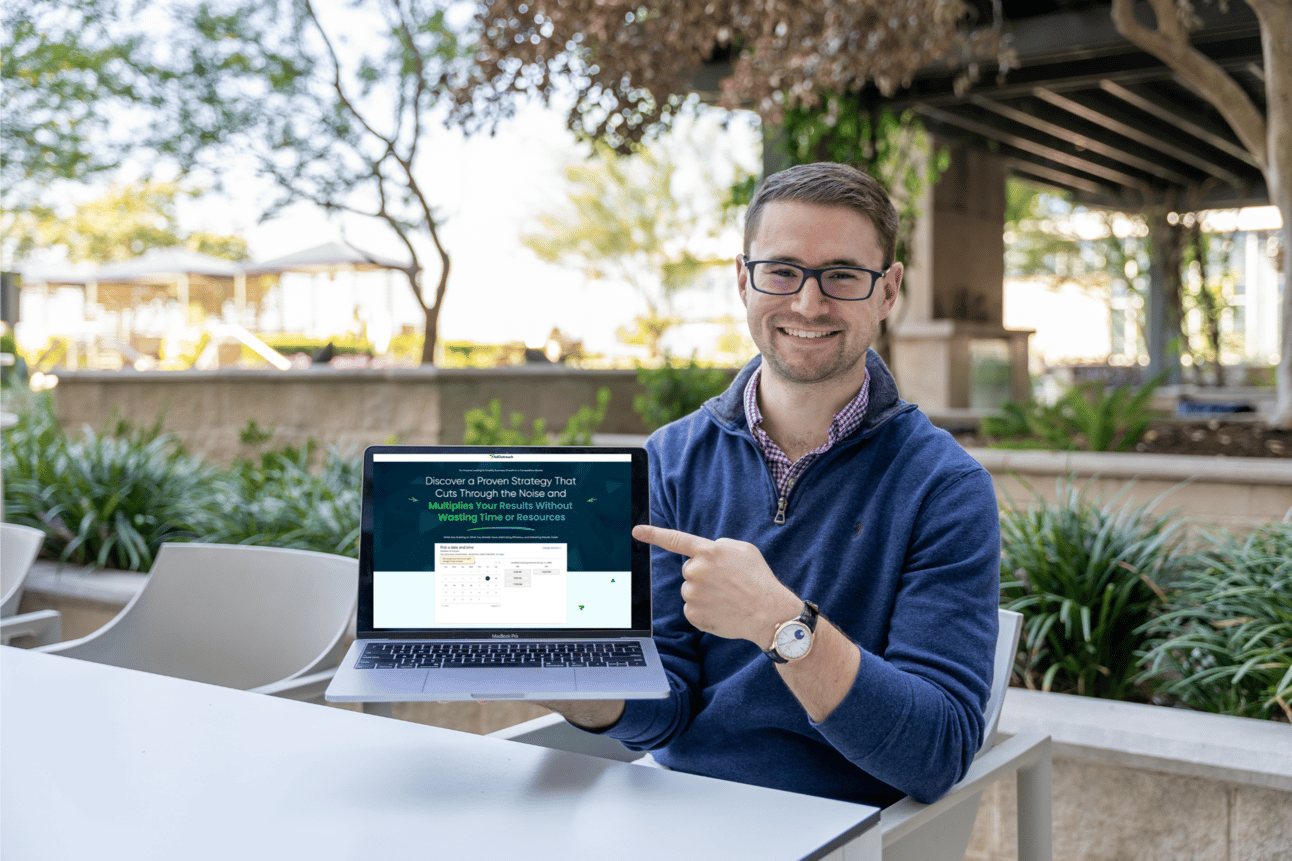
Book Your Complimentary Video Marketing Strategy Call Today!
More Value Coming Next Friday!
Stay Tuned for More Great Value & Content Coming your Way!
Here’s a Sneak Peek at What’s Coming Next:
-
More AI Tools & Workflows we’re using inside our Companies to Build Faster & Sell More (I keep my finger on the pulse of AI – so you don’t have to!)
-
Real Case Studies & Examples of the Marketing Funnels that Scaled Coaching Businesses past 7 & 8 Figures
-
The Latest YouTube Ad & Marketing Strategies as we Discover Them – So that you’re Always on the Cutting Edge
-
And a LOT More…
I’m serious when I say I want this to be The Most Valuable Newsletter You’re Subscribed to – Look out for us in your Inbox Every Friday!
I’ll see you in the next one!
To Your Success,
-
Aleric Heck | Founder & CEO of AdOutreach
This Edition of the Marketing Minds Newsletter is Sponsored by:
Build a Holiday Creator Affiliate Program in 90 Days

Creators lock in holiday content calendars 90 days out, before brands figure out commissions. Waiting too long to launch an affiliate program means less runway to build demand and a missed shot at the best partnerships.
The 90-Day Holiday Sprint covers commissions, recruiting, and scaling a program at Day 30, 60, and 90.